How to make an AI phone call in your own voice
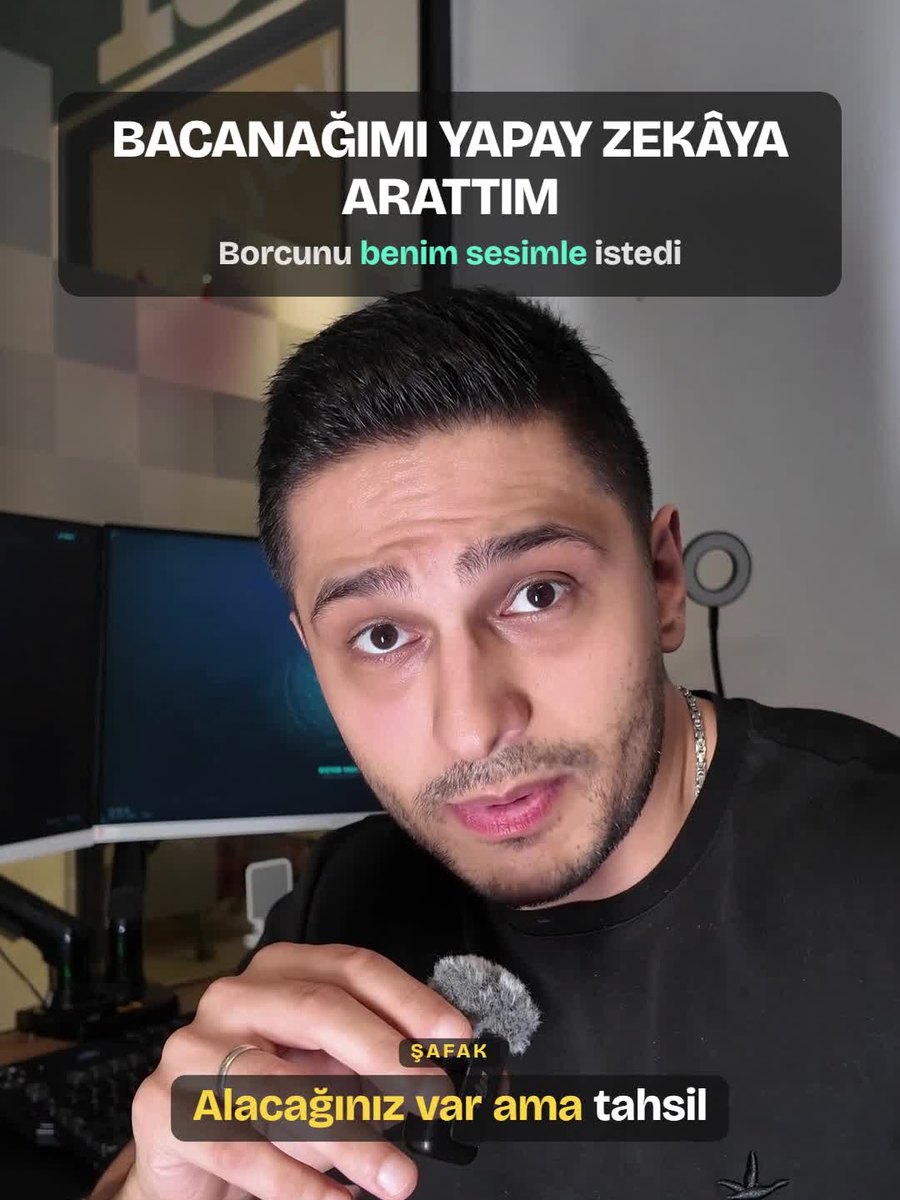
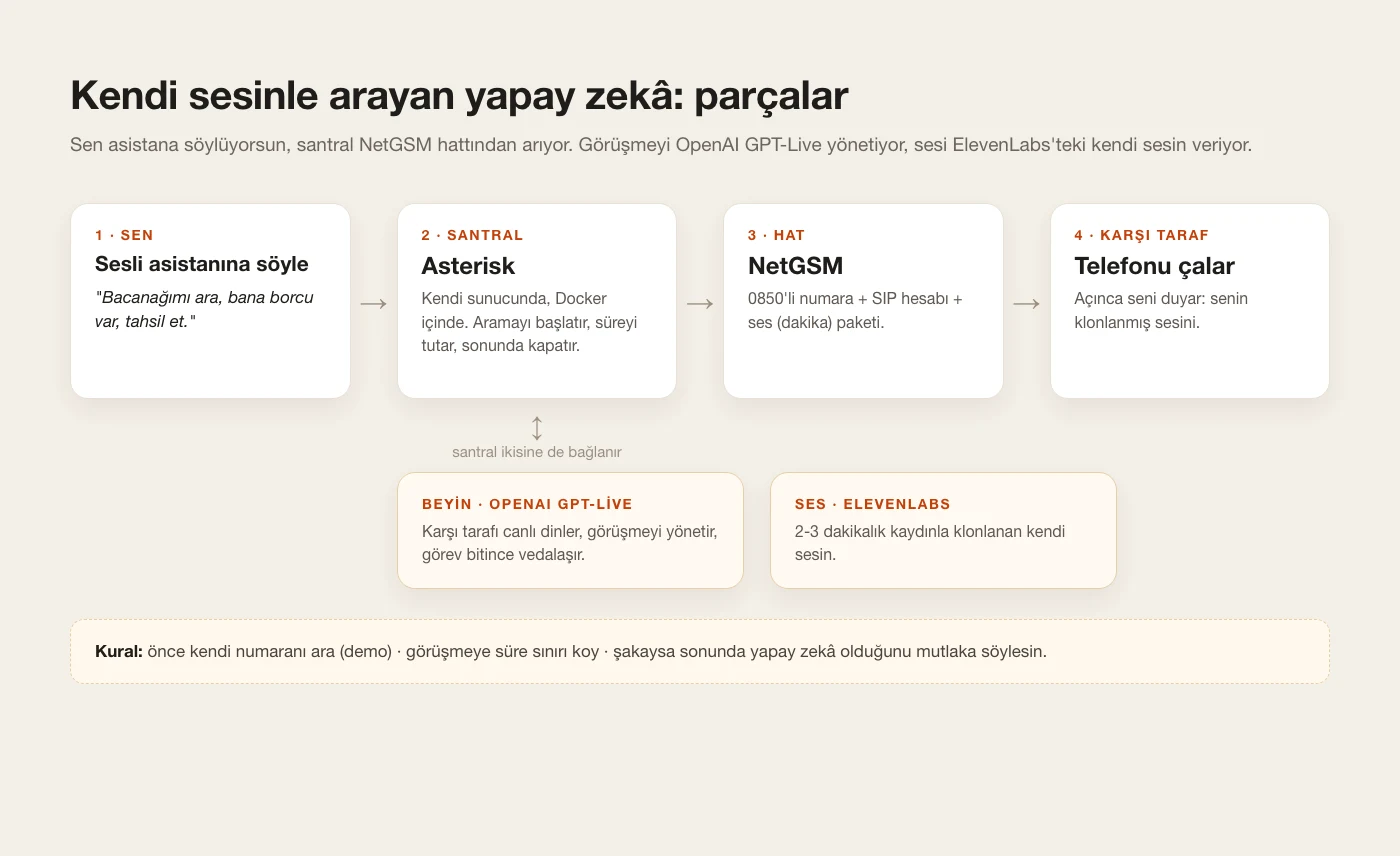
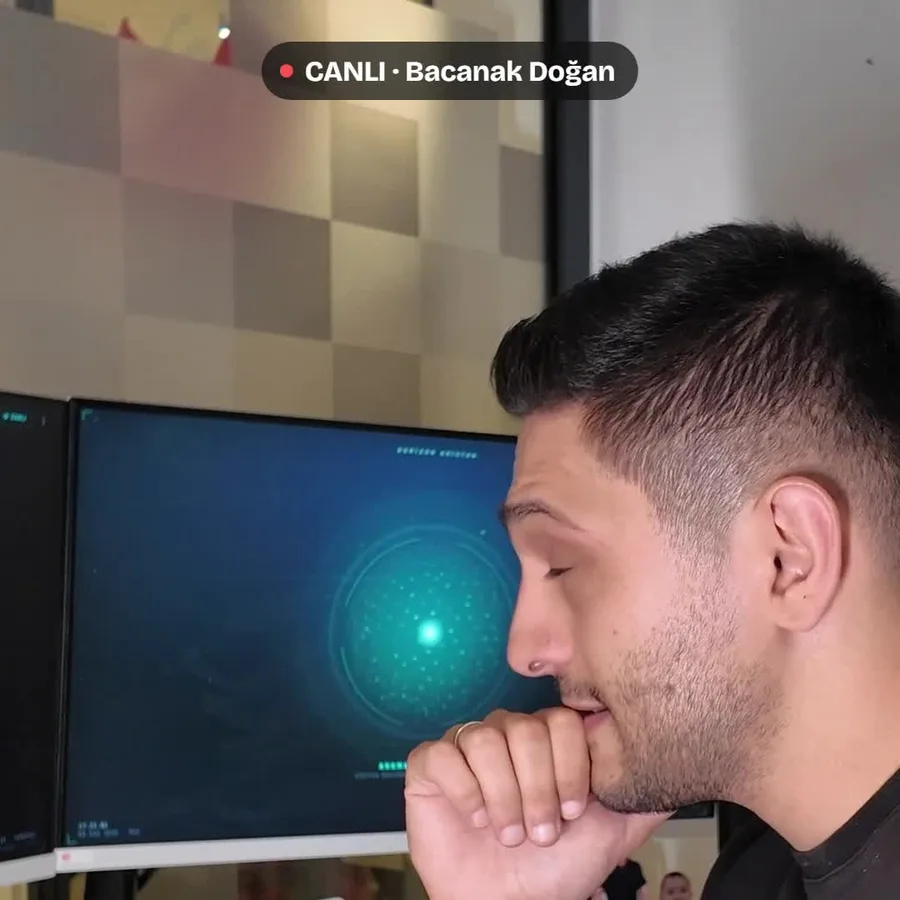
In the video I tell the voice assistant on my computer to call my brother-in-law. It finds his number in my contacts and calls him from my own phone line. When he picks up he hears my voice: it's my own voice, cloned with ElevenLabs. I listened to the call live in my browser, and at the end the AI said "just kidding!" and introduced itself. The system has four parts: ElevenLabs for the voice, NetGSM for the phone line, a PBX that runs the call (Asterisk) and an AI that listens to the other side (OpenAI GPT-Live). Below I go through each one in order, and how to get them built without writing code. I had Claude Code do the setup too.
What you'll need
- An ElevenLabs account. Voice cloning is on the paid plans; I use the cheapest one, Starter.
- A clean 2-3 minute recording of your voice: a quiet room, one speaker, no music.
- A number you can connect over SIP (mine is a NetGSM 0850 business number in Turkey) and a voice (minutes) package.
- An OpenAI API key, for the AI that listens to the other side.
- A Linux server with Docker. A few-dollars-a-month server is enough.
- Claude Code or another coding assistant: it does the setup.
Step by step
1. Get to know the parts first
The system has four parts. You tell the assistant "call this person". The PBX (Asterisk) runs on your server and places the call through the NetGSM line. When the other person picks up, the PBX connects them to the AI. OpenAI GPT-Live listens to them live and runs the conversation. What they hear is your own voice, cloned with ElevenLabs. Claude Code sets all of this up; your job is to open the accounts and hand over the keys.
2. Clone your voice: ElevenLabs
Go to ElevenLabs, add a new voice under Voices and choose Instant Voice Clone. Upload your 2-3 minute recording, tick the box confirming it's your own voice and give it a name. I cut 3 minutes of speech from my own videos. A few seconds later your voice is ready. Note down the voice ID from the voice's page; Claude will ask for it during setup. Menu names may change slightly between versions.
Only clone your own voice. Cloning someone else's voice without permission breaks ElevenLabs' rules and can be a crime.
3. Test your voice; if it doesn't sound like you, change the recording
Pick your new voice in ElevenLabs' text-to-speech screen, type a few sentences and listen. Choose the newest model for your language. The first clone I tried didn't sound like me. Redoing it with a cleaner, longer recording fixed it. The clone talks the way you talk in the recording: if you want to sound energetic on the phone, be energetic in the recording.
4. The phone line: NetGSM
For the AI to call a real phone, you need a line. I got a 0850 business number from NetGSM, a Turkish operator. They give you a SIP username and password, and the PBX connects to the line with those. To place calls you also need a voice (minutes) package. In my first tests every call came back "busy"; it turned out the line had no minutes at all, and buying the voice package fixed it. Any operator that lets you connect over SIP will work.
Never share your SIP password or API keys, and keep them out of screenshots. When you give them to Claude, ask it to store them in a private file on the server.
5. Server and PBX: let Claude Code build it
The PBX is the program that starts the call, keeps the time and hangs up at the end. I use Asterisk, running in Docker on my own server. Give the prompt below to Claude Code and fill in the square brackets with your own details. Claude will show you every setting before applying it and will make the first call only to your own number. My setup took two days. Details on every part, the pitfalls I hit and the diagrams are in my phone calling guide.
Detailed setup: How do you get AI to make real phone calls?
Help me build an AI phone-calling system on my own server that speaks in my own voice during the call. Go step by step and show me every setting before you apply it. Add a test mode that can only call my own number until I say otherwise.

What I have:
- A Linux server with Docker (you can connect over SSH).
- A phone number from my SIP operator (mine is NetGSM in Turkey), the SIP username and password, and an active voice (minutes) package.
- An OpenAI API key.
- An ElevenLabs API key and the ID of my cloned voice (voice ID).

What to build:
1. PBX: Asterisk in Docker. It connects to the operator over SIP and places outbound calls. Only allow national mobile and landline numbers. Put a maximum duration on every call and hang up when it runs out.
2. Brain: OpenAI GPT-Live. The PBX bridges the person being called and the AI into one call. The AI listens to the other side live and runs the conversation.
3. Voice: the other person should hear my voice. Speak the AI's sentences with my cloned ElevenLabs voice (a fast streaming model, 8 kHz output for telephony) and have the PBX play them. Measure how many seconds it takes for a reply to start after the other person stops talking, and tell me.
4. Task: every call starts from a task text: who to call, the first sentence, the goal and the maximum minutes. When the task is done it says goodbye and hangs up.
5. Honesty: if someone asks who it is, it says it's an AI. On prank calls it always ends with "just kidding, I'm [YOUR NAME]'s AI". No insults, no threats.
6. Live listening: let me listen to the call from my browser while it's happening.
7. Recording: keep an audio recording only when I explicitly ask for it.

Run the first test with my own number: [YOUR NUMBER]. My name is [YOUR NAME], my language is [LANGUAGE].
6. The brain: OpenAI GPT-Live
The AI that listens to the other side and runs the conversation is OpenAI GPT-Live. It can join a phone call directly, understands Turkish well and is fast. Create an API key in your OpenAI account and give it to Claude; Claude sets up the connection. When the call ends, you get a summary of what was said.
Live AI voices don't swear, and they refuse tasks that involve insults or threats. The harsh words in my video come from a script I prepared specially for this prank. The assistant you build with this guide will be polite, so don't try to make it swear.
7. Write the task
Every call starts from a task text: who to call, the first sentence, what it wants and the maximum minutes. My call opened with a greeting and was capped at 4 minutes. The example below is a humorous debt-reminder task; fill in the square brackets and adjust it. If it's a prank, don't delete the closing line where it says it's an AI.
Task: you are calling [PERSON]. Open with a casual greeting, then stop and wait for the reply. Remind them of the [AMOUNT] they owe me and ask when they'll pay. If they give a date, repeat it back to confirm. If they make excuses, answer briefly and with humour, then bring it back to the debt. No insults, no threats. Talk for 4 minutes at most. At the end say "Just kidding, I'm [YOUR NAME]'s AI. But do pay that debt, by the way." and say goodbye and hang up.
8. Call your own number first
Before calling the real person, run a demo call to your own number with the same task and play the other side yourself. I tested it on myself first too. Make excuses, go quiet, change the subject, ask "who is this?". Tell Claude what you don't like in plain words: "It talks too long, shorten its sentences" or "It didn't repeat the date back, make it do that".
9. Tell the assistant, listen live
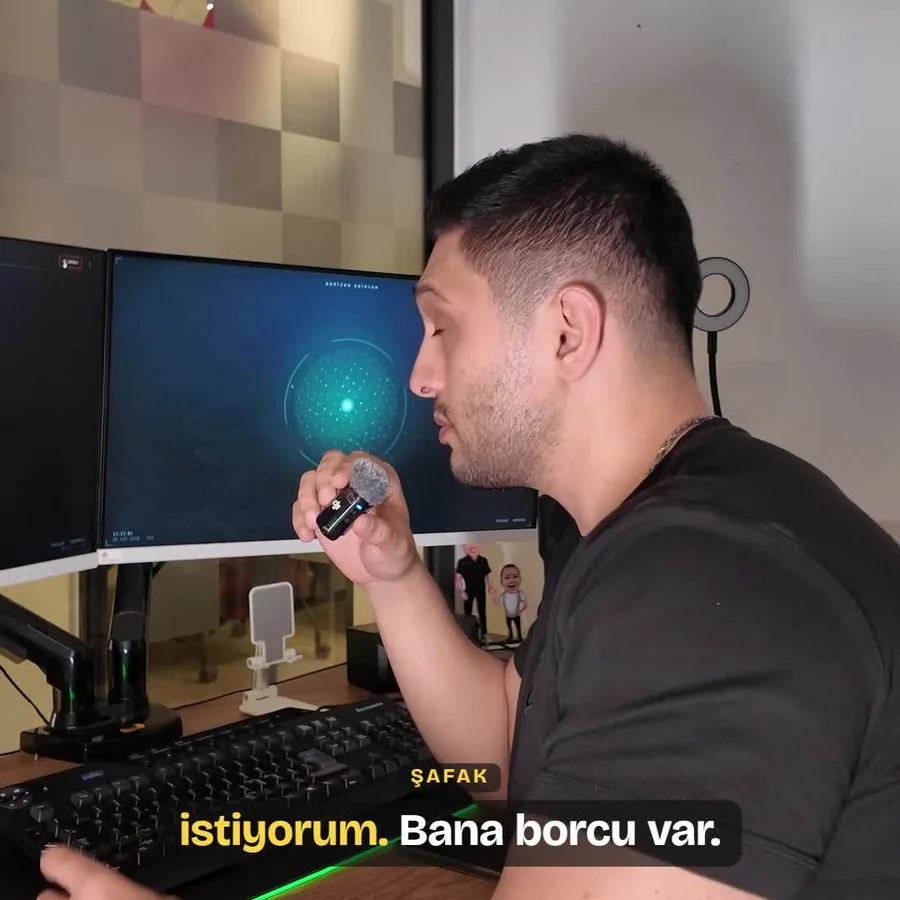
In the video I tell the voice assistant on my computer: "Call my brother-in-law, he owes me money, collect it." It finds the number in my contacts, prepares the task and calls. Once the call starts, I listen live in my browser. If you don't have a voice assistant, you can start the call from a small panel Claude builds for you, or with a single command.
10. The call and the reveal
When my brother-in-law picked up, he heard my voice. They talked about the debt and when he'd pay, while I listened in the background. At the end the AI said "Just kidding! I'm Şafak's AI", introduced itself and hung up. On prank calls this reveal is a must: the call shouldn't end before the other person learns who they were talking to.
11. Before you publish
If you'll use the call in a video, get the other person's explicit permission. Don't show a phone number, surname or address. Bleep any swearing. In Turkey, recording and publishing a conversation without consent can be a crime, and insults or threats over the phone can lead to a complaint even as a joke.
Tips
- Record in a quiet room. If there's air conditioning, music or someone else talking, the clone carries that noise too.
- Prank someone who can take a joke. If the other person gets uncomfortable, the AI should apologise and hang up right away.
- Don't call late at night or very early. Have Claude add calling hours as a rule.
- Always set a time limit on the call. Mine was 4 minutes.
- If you're calling about a real debt, drop the joke: write a polite task that reminds them of the amount and asks for and confirms a payment date.
Frequently asked
Does it really sound like me?
If your recording is good, very much. Phone audio is compressed anyway, so small differences disappear. The best judge is someone who knows you: run the first test call to yourself and play the recording to a friend.
Will the AI swear?
No. Live AI voices don't swear, and they refuse tasks with insults or threats. The harsh words in my video come from a script I prepared specially for this prank.
Can I clone someone else's voice?
No. ElevenLabs only lets you clone a voice you have the rights to. Making calls in someone else's voice without permission can count as fraud.
Do I need NetGSM?
No. Any operator line you can connect to over SIP works. I use NetGSM for my 0850 number; without a voice (minutes) package you can't place calls.
What does a call cost?
With the numbers I measured in my phone calling guide, the AI side is about 5 cents a minute. On top of that come the operator's per-minute rate and the monthly ElevenLabs plan.
Is there a delay before it answers?
A little. In my tests, ElevenLabs' ready-made voice agent started talking 2-3 seconds after the other person stopped; OpenAI's own voices are faster. Ask Claude to measure the delay and pick the fastest setup together.
Is it legal?
Calling someone you know as a joke in your own voice and saying it's an AI at the end is usually fine. If you'll record and publish the call, get explicit consent. No insults, no threats, and don't call on someone else's behalf. Talk to a lawyer before commercial or bulk use; this guide isn't legal advice.