How do you put your friends' faces into Counter-Strike 1.6?
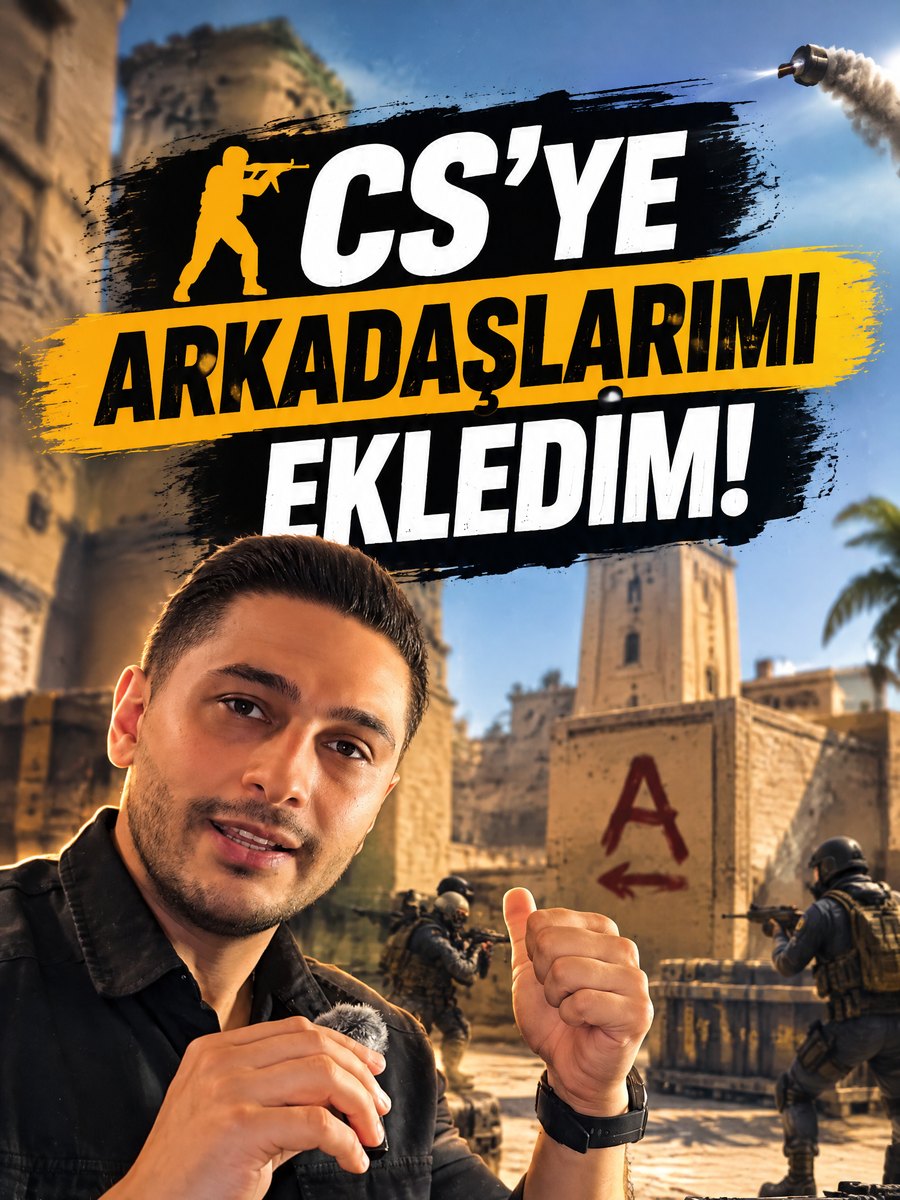
In the Counter match from the video, every bot was one of my friends: their faces from their own photos, names on their foreheads, heads a little bigger. You can do this without writing code; Claude Code does the work. You only do three things: prepare the photos, give Claude the right prompt, then check the game and tell it what to fix. Claude uses the ready-made scripts we wrote, so it doesn't start from scratch.
What you'll need
- Counter-Strike 1.6 installed on a Windows PC.
- Claude Code: the version of Claude that can work with the files on your computer and run commands.
- A well-lit, front-facing photo of each friend. A selfie works; keep the face straight and the eyes clearly visible.
- Your friends' permission. You'll be using their faces and names; always ask if you plan to post the video.
Step by step
1. Put the photos in one folder
Create a folder called cs_yuzler on your desktop and save each friend's photo under their name: beytullah.jpg, halil.jpg and so on. The game has 8 player models (4 terrorists, 4 CTs), so up to 8 people. The file name becomes the text on the forehead and the bot's name in the game.
Avoid letters like ş, ğ or ı in names (Sukru, not Şükrü); the game may not display some Turkish letters properly.
2. Give Claude this prompt
Open Claude Code, copy the prompt below, paste it and send it. It tells Claude to download our ready-made scripts, back everything up first and check with you at every important step. Claude will mark the eyes and mouth on each photo and show you a preview; if the faces are in the right place, say "continue". If you want to see the scripts yourself, you can download them here.
If the game is under Program Files, Windows will ask for administrator permission once. That's expected: it's needed to copy the files into the game folder.
Counter-Strike 1.6 is installed on my Windows PC. I want to put my friends' faces on the bots in the game. I don't know how to code: briefly explain each step, always back up a file before you change it, and ask me before any step that needs administrator permission.

What I have:
- A folder called cs_yuzler on my desktop with a front-facing photo of each friend; the file name is the person's name (e.g. beytullah.jpg). Up to 8 people.
- Ready-made scripts: download them from https://safaktozar.com.tr/files/cs16-yuz-modu-betikler.zip, unzip them into the cs_yuzler folder and read README.txt first. Don't write anything from scratch; use these scripts and follow the order in the README.

What I want you to do:
1. Find the folder where the game is installed (search for hl.exe). Install Python or the pillow and numpy packages if they are missing.
2. Find the pixel positions of the left eye, right eye and mouth in each photo. Draw these points on the photo and show me; continue once I approve.
3. Fill in the paths and the table in final.py with my people: each person goes to a different player model, their name is written in capitals on the forehead and heads are 1.6 times bigger. Then run final.py and validate.py and show me the preview images.
4. Back up and copy the models into the game with kur.ps1.
5. Make every bot a different person: create a profile for each friend in BotProfile.db (profile name = my friend's name, correct team and model) and apply the settings in listenserver_ek.cfg.
6. Add the filming shortcuts from userconfig_ek.cfg and list which key does what.
7. When you're done, tell me step by step how to check it in the game and how to run geri_al.ps1 to undo everything.
3. Check it in the game
Open the game and start a match with bots on de_dust2 via New Game. Don't judge by eye whether the faces changed: open the console and type snapshot; the screenshot is saved in the game's cstrike folder. Send that screenshot to Claude and say "this is how it looks in the game". If the console won't open, just ask Claude to help you enable it.
4. Tell Claude what to fix
Not everything will be perfect on the first try; just describe what you see in plain words. For example: "The faces are hard to see in the dark, make them brighter." or "Two bots have the same face, make every bot a different person." The Tips section below lists the most common cases and what we told Claude.
5. Optional: put pictures on the walls
The pictures on the walls in the video were made the same way. Put your images in a folder and tell Claude: "Put the images in this folder on walls far apart from each other on de_dust2. Keep the proportions, make sure none come out upside down or mirrored, and back up the map first." duvar_multi.py in the package does this.
6. Shortcut keys for filming
When filming, it helps to freeze the bots, add new ones or see your character from the outside. Tell Claude: "Add filming shortcuts to userconfig.cfg: one key freezes the bots, one resumes them, one adds a bot and one switches to third-person view." userconfig_ek.cfg in the package is a ready-made version.
Third-person view and walking through walls need cheat mode (sv_cheats 1); if a key does nothing, that's usually why. Only use this in offline games with bots.
7. Put everything back
When you're done, just tell Claude to "put everything back". Every changed file has a backup with the .orig extension next to it; geri_al.ps1 in the package restores the models, the map, the keys and the bot profiles in one go.
Tips
- The faces look unchanged: take a screenshot with snapshot and send it to Claude before deciding. Usually the face area is too small; write "make the faces bigger and bright even in the dark".
- The game freezes when you pick a character: the changed model file is broken. Write "the game freezes when I pick terrorist, check the model with validate.py and restore the backup if it doesn't get fixed".
- The heads look pitch black: write "the new heads come out black with no shading, fix the lighting".
- Names come out mirrored: write "the name is mirrored on this model, flip it horizontally".
- The same face appears on two bots: write "make every bot a different person and set the bot count to the number of people".
- Faces don't show on masked characters: write "use the open-face body instead of the masked models". The scripts already do this; remind Claude if you changed the table.
- Write permission error (PermissionError): the game is under Program Files. Ask Claude to do the copying with administrator permission and approve when Windows asks.
Frequently asked
Do I need to know how to code?
No. You give Claude the prompt and it runs the scripts. Your job is to prepare the photos, approve the previews and check the game.
Does it work on the Steam version?
Yes; only the file path differs (steamapps\common\Half-Life\cstrike) and Claude finds it itself. Don't run "verify integrity of game files" on Steam, it undoes the changes.
Will others see it on online servers?
No. The changes only exist on your computer; others see the original models. Some servers may detect changed files and disconnect you, so play offline with bots.
Why are the heads big?
The game's face texture is very small; a 1.6× head makes the face readable and makes the video funnier. For normal size, tell Claude to "keep the heads normal size".
Can I use my friends' photos?
With their permission. Their faces and names will appear in the video; ask everyone before you post it.
Can I undo everything?
Yes. Every changed file has a .orig backup; just tell Claude to "put everything back" or run geri_al.ps1.